A defined performance
Copy every one-foot hop, raised bent knee, knocking fist, sideways skip and turn from the reference in the same order and timing. Full body and both feet stay visible.
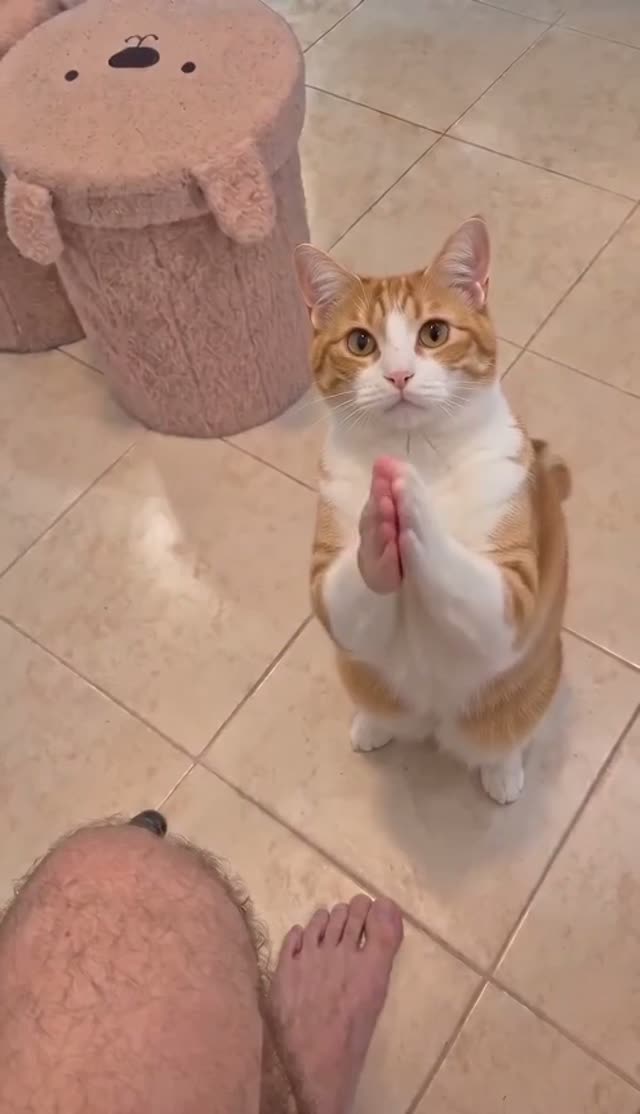
Your photo, the Toc Toc routine: knee up, a knock in the air, a sideways hop. Follow the reference clip with your own face or pet.
Add your photoAdd your photo
Use a sharp photo of one subject with its whole body visible. Keep hands, feet or paws inside the image.
Your reference cut
Seedance 2.0 Mini · Reference motion and soundtrack included. The 11.0-second cut fits the up to 15 second tier.
Pay once. No automatic renewal. Technical failures return your credits automatically. Save with packs
The uploaded adult performs the selected hopping and knee-lift dance, with recognizable hair, face and clothing through the final close-up.
This is a single 480p test. Fine hand motion and beat timing may vary.
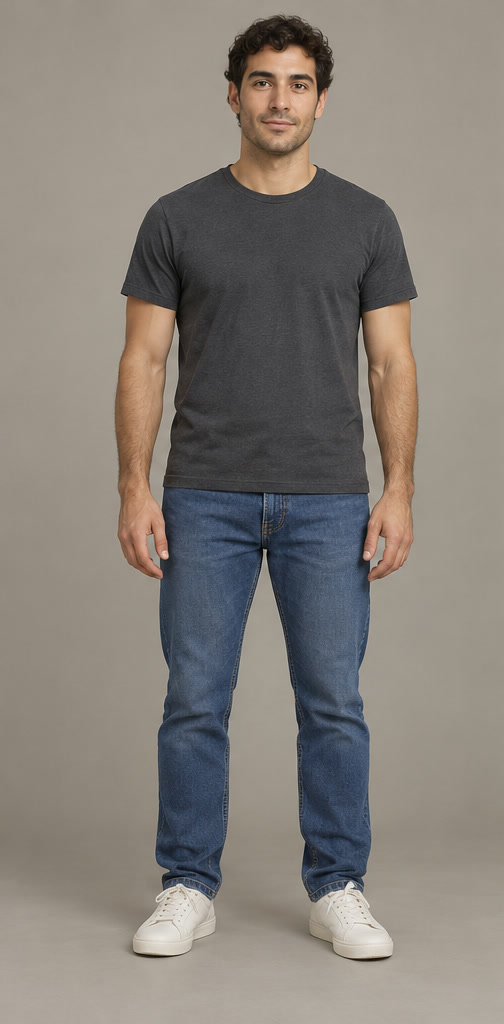
One reviewed test with these photos. Your result may differ. Compare with the reference.
Reference soundtrack included · The Toc Toc reference sound
Reference example · toc toc ai dance — selected reference example
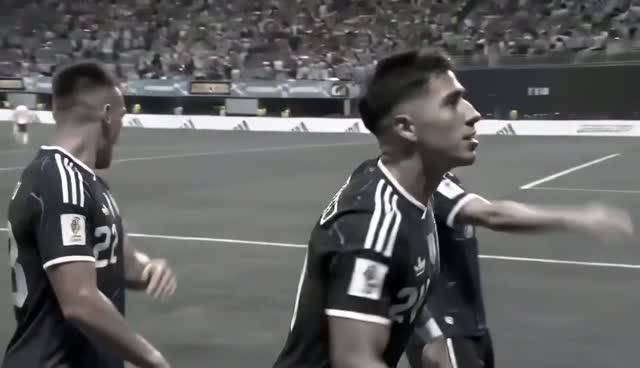
Watch the selected 11.0-second Toc Toc AI Dance reference to see the original movement, camera cuts and soundtrack.
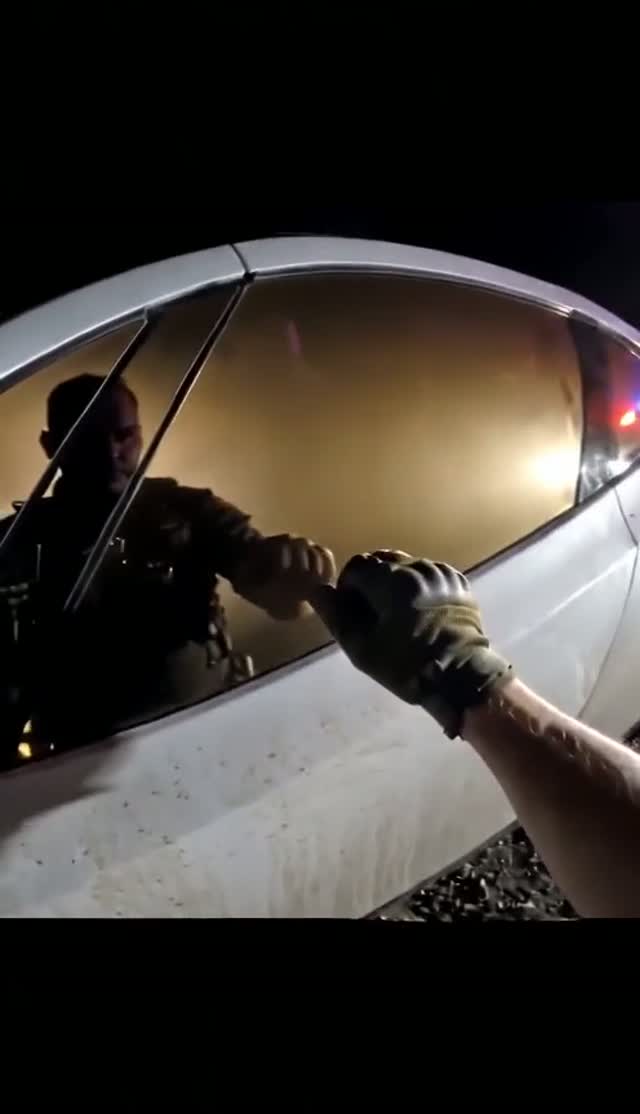
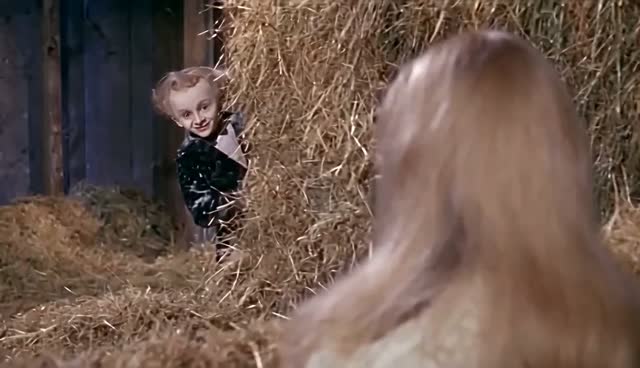
This is the selected test reference example. The generated sample above shows a separate test made with the displayed photos.
Soundtrack: The Toc Toc reference sound.
Selected reference example. toc toc ai dance — selected reference example
Trend origin / creator source: Toc Toc dance trend — song 'Toc Toc' by Patrick Sébastien; viral Jean Phil clips late Sept 2026 (original clip creator unverified, possibly an AI character). The selected reference may be a later adaptation.
The autumn 2026 dance spread through solo, group and pet versions on TikTok, Reels and Shorts. This page uses one specific solo reference so the hops, turns and knocking gestures have a defined order. The wider Jean Phil character meme and this dance overlap visually but are not the same original post.
Copy every one-foot hop, raised bent knee, knocking fist, sideways skip and turn from the reference in the same order and timing. Full body and both feet stay visible.
Solo framing, camera orientation, source step sequence and knocking rhythm. The original-video section shows the selected reference example for this template. The workflow pairs the role photos with this clip as the movement and framing guide.
Copy every one-foot hop, raised bent knee, knocking fist, sideways skip and turn from the reference in the same order and timing. Full body and both feet stay visible.
The chosen reference is trimmed before its soundtrack is extracted. The finished video receives that same sound from its opening frame.
Assign your dancer before generating. Each photo identifies one role throughout the scene.
Use a clear photo of the person, pet or character you want in the video.
The selected 11.0-second reference has separately priced cuts in the editor. Seedance Mini short cuts start at $2.99 or 50 credits. Check the selected model and duration before generating.
The selected soundtrack is synchronized to the reference cut. Download your MP4; use a platform-licensed sound when required for your post.
Want to try it yourself? Start with this public DIY prompt. The creator above handles the timing and photo roles for you.
Use the original reference video as @Video1 and one photo per role as @Image1. @Image1 replaces the solo dancer. Copy every one-foot hop, raised bent knee, knocking fist, sideways skip and turn from the reference in the same order and timing. Full body and both feet stay visible. Keep Solo framing, camera orientation, source step sequence and knocking rhythm. Preserve uploaded identities and outfit designs. No unrequested people, actions, cuts, captions or logos. Keep the source duration and speed, then add its soundtrack at the same start point.
| Your workflow | ViralRemake | General AI video tool | ComfyUI |
|---|---|---|---|
| What you bring | One clear photo | Photos and a detailed prompt | Photos and a custom workflow |
| Scene and motion | Already directed for this meme | You describe the scene | You build the workflow |
| Setup | Choose your photos and duration | Refine prompts and settings | Configure models and nodes |
| Payment | From $2.99 per video | Depends on the provider | Your hardware or cloud costs |
A comparison of workflows. AI output varies with the photos you use.