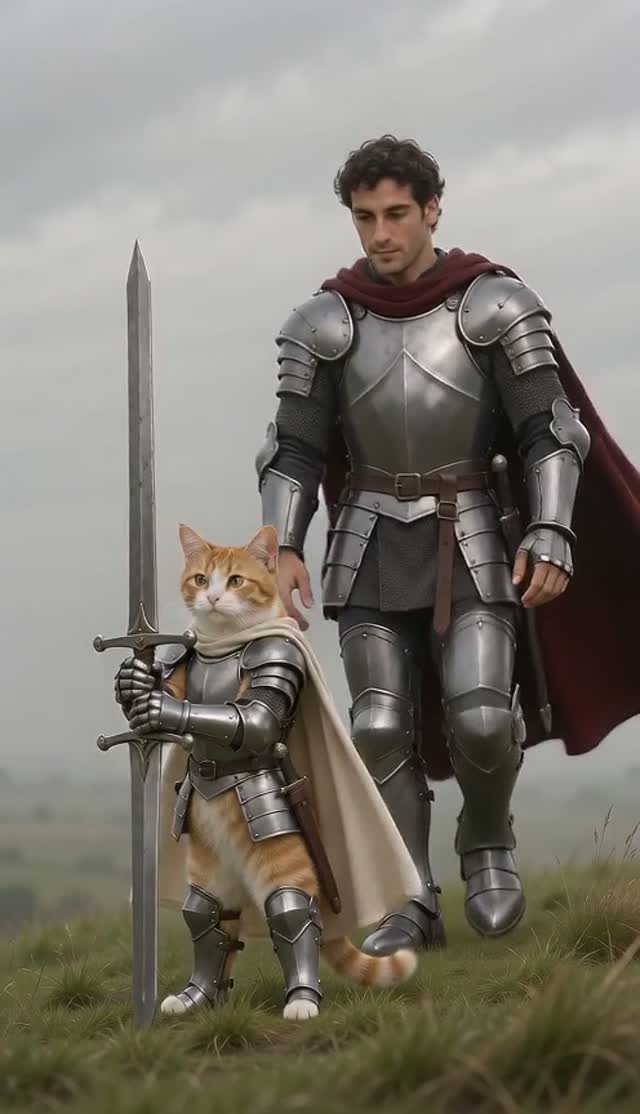
A defined performance
Recreate the 15-second story: confrontation, lowered weapon, recognition, complete embrace, then a hard cut at 10 seconds to a healthy golden-meadow memory.
They lower the weapon. You step into the embrace. Recreate the cabin standoff and its golden-meadow memory with one or two clearly assigned photos.
Add your photosAdd a photo for each role
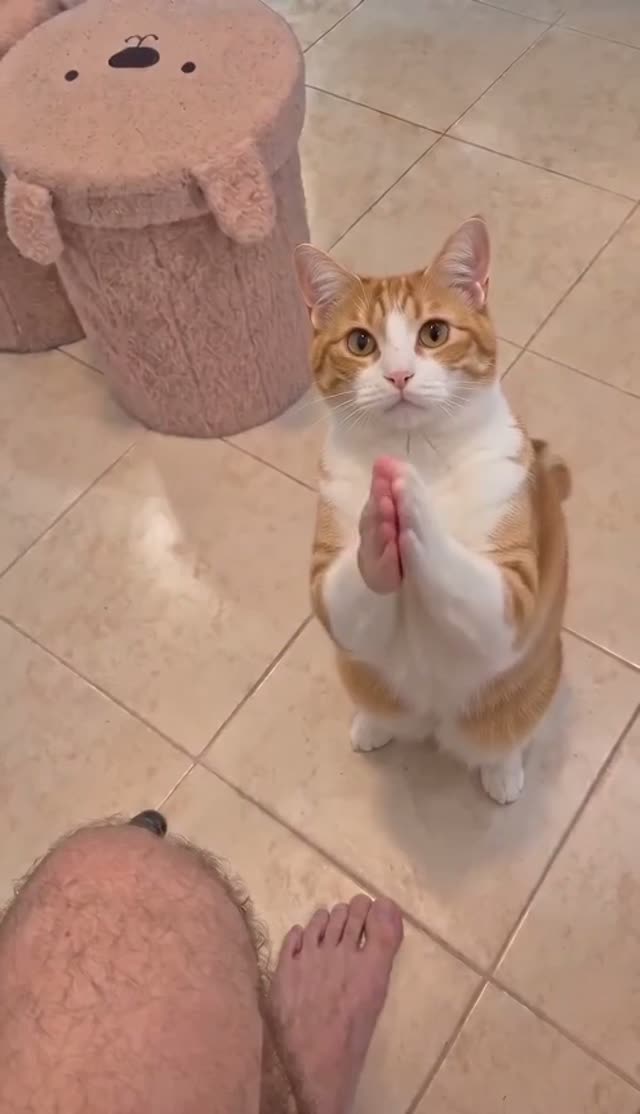
Choose a clear photo of one person or pet per selected role. Keep the face, ears and markings visible. Single-role modes need one photo; both-character mode needs two.
Your reference cut
Seedance 2.0 Mini · Reference motion and soundtrack included.The 15.0-second cut fits the up to 15 second tier.
Pay once. No automatic renewal. Technical failures return your credits automatically. Save with packs
Reference soundtrack included · The selected zombie love-story reference sound
Original post · Original AI zombie love-story template post
Watch the selected 15.0-second Zombie Couple AI reference to see the original movement, camera cuts and soundtrack.
The original meme is shown for comparison. Generation uses role photos, scene stills and the selected mode’s timed script, without an input video.
Soundtrack: The selected zombie love-story reference sound.
Selected source clip. Original AI zombie love-story template post
This AI-native love-story format uses a specific sequence: a survivor hesitates, lowers a weapon, recognizes an infected partner and embraces them before a hard cut to a healthy memory. It is different from zombie dance templates. Our 15-second preview comes from the linked KscYusuf template post; it includes the publisher’s presentation graphics. Generation uses scene stills and a nine-shot script, with no source video sent to the model.
Recreate the 15-second story: confrontation, lowered weapon, recognition, complete embrace, then a hard cut at 10 seconds to a healthy golden-meadow memory.
Cold ruined cabin, two distinct identities, non-graphic infection on one partner only, warm meadow memory and affectionate ending. The original-video section shows the selected reference example for this template. The workflow uses a written storyboard and your role photos. The source video is shown for comparison and is not sent to the generation model.
Recreate the 15-second story: confrontation, lowered weapon, recognition, complete embrace, then a hard cut at 10 seconds to a healthy golden-meadow memory.
The chosen reference is trimmed before its soundtrack is extracted. The finished video receives that same sound from its opening frame.
Assign the survivor, the infected partner before generating. Each photo identifies one role throughout the scene.
Replace the survivor, Replace the infected partner, Replace both characters. Add one clear photo per selected role. Each mode loads its own timed script and image assignments.
Use 3 preset scene stills and the detailed timed shot script. The preview video is for viewing; it is not sent to the model. You can edit the script and replace the scene stills.
The selected soundtrack is synchronized to the reference cut. Download your MP4; use a platform-licensed sound when required for your post.
Want to try it yourself? Start with this public DIY prompt. The creator above handles the timing and photo roles for you.
Create a new 15-second scene. Use STILL IMAGES only. There is no input video. Reconstruct the following timed action and cuts; do not invent a different story.

CAST — THE SURVIVOR: @Image1 supplies ONLY the uninfected survivor who lowers the weapon and offers the embrace. Keep this identity from opening to final frame.
THE INFECTED PARTNER: @Image2 supplies ONLY the infected partner in the cabin and the SAME healthy partner in the memory. Keep this identity from opening to final frame.

IDENTITY PRIORITY: Uploaded role photos are the ONLY authority for the assigned characters, including the ending. Environment and pose references must never supply a face. If a role photo is a cat or dog, make that character an upright anthropomorphic animal FROM THE FIRST FRAME: its own furry body, two furry forelimbs ending in paws, two hind legs, its own tail, head, ears and muzzle. Never begin as a four-legged animal then morph into a human body. Never use bare human hands, skin-coloured fingers or human forearms on an animal. When both role photos are animals, BOTH protagonists remain those two animals in EVERY scene, including flashbacks; no human protagonist may appear.

REFERENCE MAP:
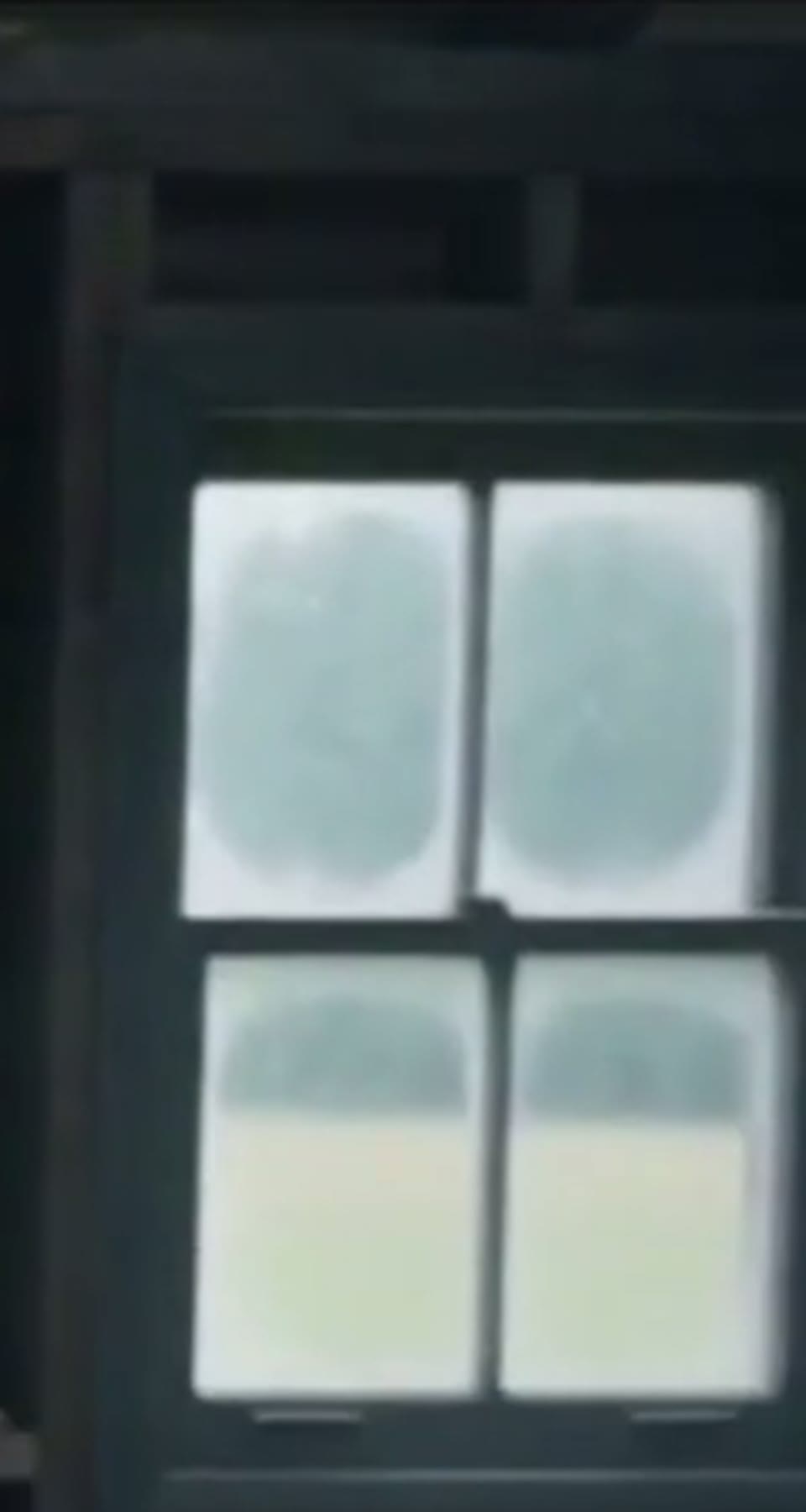
@Image3: empty cabin window, cold grey light and aged timber only; no identity source. Ignore source faces, text and watermarks.
@Image4: empty cabin wall and window, wood texture and cold light only; no identity source. Ignore source faces, text and watermarks.
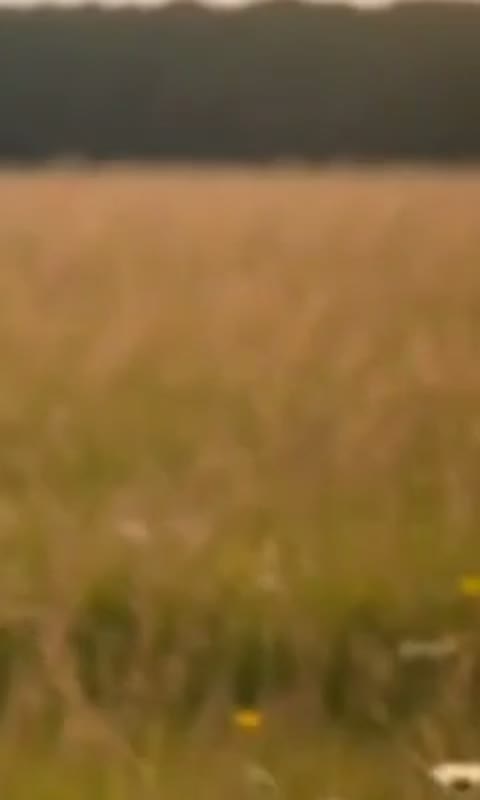
@Image5: empty golden meadow and warm backlight only; never add another partner from a scene still. Ignore source faces, text and watermarks.

SETTING: A 15-second emotional story with exactly two protagonists. First a ruined timber cabin with broken windows, dusty floor, an old bed and cold grey light; then a hard cut at 10 seconds to a warm golden meadow. Survivor wears a plain black top; partner a light outfit. Keep wardrobe and body scale continuous. No captions, black borders, portrait badges or promotional graphics from the reference stills.

CONTINUITY: Only the infected partner has pale desaturated skin/fur, subtle dark veins and tired eyes in the cabin; identity remains recognizable, no gore. In the memory BOTH are healthy with their own normal colouring. A pet remains its uploaded species, face, muzzle, ear shape and coat pattern: upright in the cabin with exactly two forepaws, then naturally reclining in grass. Forepaws may hold the small prop and embrace; no human hands pasted onto animals. Single-role mode keeps one consistently described anonymous counterpart. Never exchange identities at the hug or memory cut. The weapon is lowered, never fired; keep its muzzle away from bodies once lowered.

SHOT 1 — 0–2 seconds, tight survivor close-up: wet eyes, trembling forelimbs, small pistol held forward toward the offscreen partner. Cold window light catches the same assigned survivor face. End in a hesitant pause, no discharge.

SHOT 2 — 2–3 seconds, hard cut over survivor shoulder: show the infected partner standing several steps away near a broken window. Foreground prop stays small. Establish the two-person cabin geography; neither crosses the camera axis.

SHOT 3 — 3–6 seconds, hard cut frontal medium survivor: slowly lower the prop below the waist, then open both arms/forepaws toward the partner. Sad recognition replaces fear. End with empty outstretched arms, prop below frame.

SHOT 4 — 6–7 seconds, infected close-up: pale face or fur, faint veins, tired eyes; gaze softens in recognition. Keep the upload’s actual muzzle, eye colour and identifying markings under the subtle infection effect.

SHOT 5 — 7–8 seconds, survivor close-up: make one small tearful nod toward the partner. Same face, outfit, light direction and screen side as shot 1. No alternate survivor.

SHOT 6 — 8–10 seconds, medium two-shot in cabin: partner takes the last step forward; both close their arms/forepaws around one another and hold one readable embrace. Exactly two separate heads, torsos and pairs of limbs, no fused faces. Complete contact BEFORE the cut.

SHOT 7 — 10–12 seconds, hard cut to golden memory: the SAME two subjects, both healthy, recline together in sunlit meadow grass, turn their faces toward each other and smile or relax their mouths naturally. Warm 35mm colour, backlit grass, no cabin or weapon.

SHOT 8 — 12–13.5 seconds, close two-shot in meadow: gently touch foreheads or noses, keeping both distinct uploaded faces and normal fur colours. No infection effect in this shot.

SHOT 9 — 13.5–15 seconds, slightly wider backlit meadow composition: both settle together and hold the affectionate pose against the low sun. End on the same two healthy subjects, never return to the cabin.

FINISH: Keep exactly the assigned subjects throughout. No identity drift, cloned bodies, extra limbs, costume changes, captions, logos, watermarks or unrelated actions. Generate silent visuals; the selected soundtrack is added afterwards. Small motion differences are acceptable; preserve the action order, shot contents and ending.
| Your workflow | ViralRemake | General AI video tool | ComfyUI |
|---|---|---|---|
| What you bring | One photo, or two for both characters | Photos and a detailed prompt | Photos and a custom workflow |
| Scene and motion | Already directed for this meme | You describe the scene | You build the workflow |
| Setup | Choose your photos and duration | Refine prompts and settings | Configure models and nodes |
| Payment | From $2.99 per video | Depends on the provider | Your hardware or cloud costs |
A comparison of workflows. AI output varies with the photos you use.