Your photo supplies the identity
Keep the face, hair or fur and distinguishing details from your uploaded subject.
Turn one portrait into a 15-second elemental bending video. Choose water, earth, fire or air for a distinct martial-arts movement, setting and visual effect.
Add your photoAdd your photo
One clear face with good light. Waist-up or full-body photos work best.
Only your photos, scene stills and this script go to the model. The preview video is for viewing. Sound is added after generation.
Your reference cut
Seedance 2.0 Fast · Silent MP4. Add your sound when posting. The 15.0-second cut fits the up to 15 second tier.
Pay once. No automatic renewal. Technical failures return your credits automatically. Save with packs
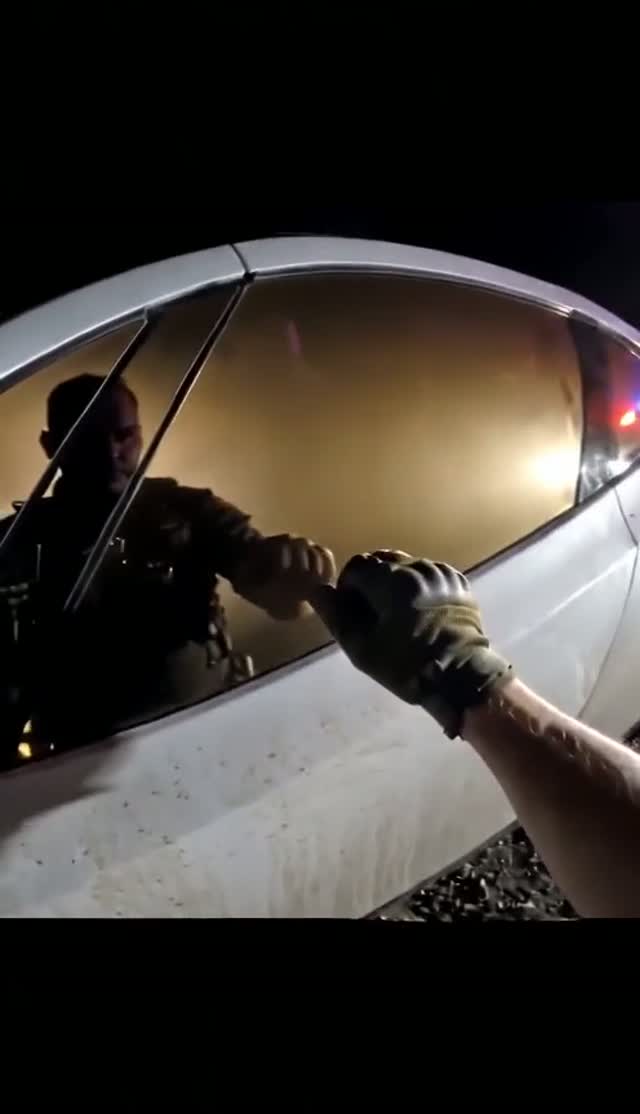
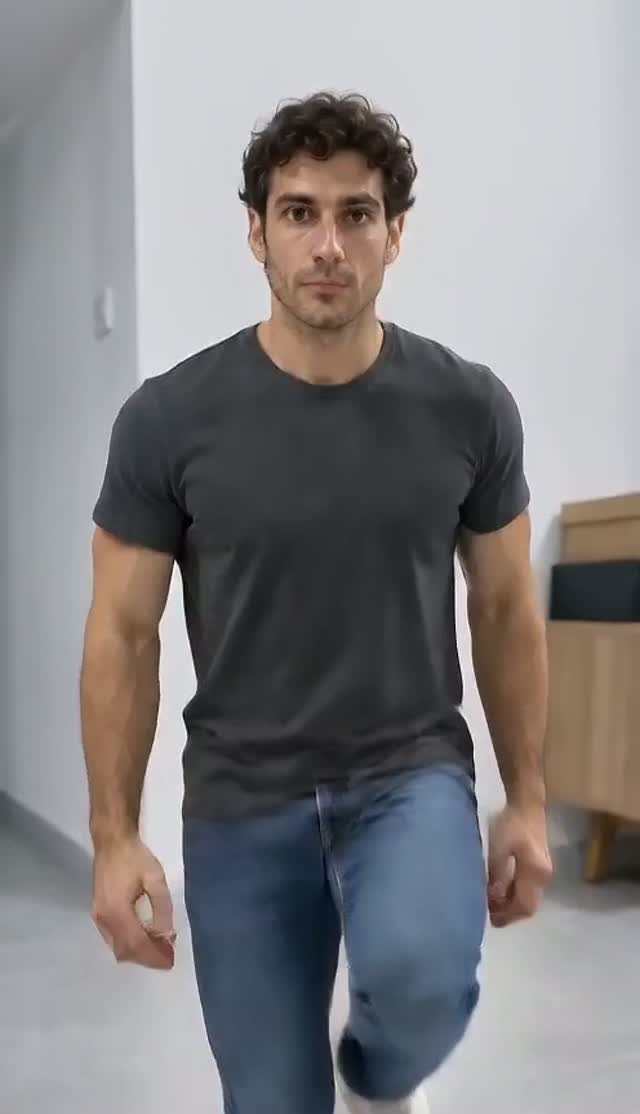
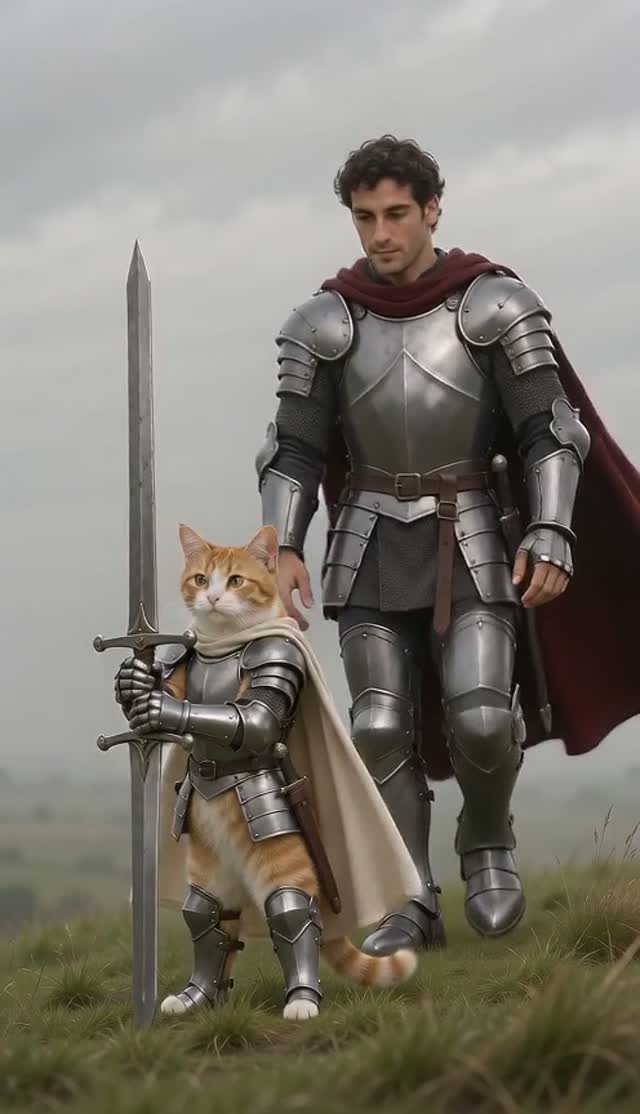
Reference example · Existing elemental style demonstration
Review the 5.0-second motion or visual-style reference. Your download is silent.
The original meme is shown for comparison. Generation uses role photos, scene stills and the selected mode’s timed script, without an input video.
Selected reference example. Existing elemental style demonstration
Elemental bender photo trends let viewers choose water, earth, fire or air. This tool creates a moving, original fantasy scene from one portrait. It is an independent fan-inspired generator.
This template shares its prompt and creation options with the dedicated satellite studio. Pricing and account access follow ViralRemake.
Keep the face, hair or fur and distinguishing details from your uploaded subject.
Water, earth, fire and air each have a different setting, movement and effect.
Preview and download your finished MP4 in My videos. Generation can take several minutes.
Water, Earth, Fire, Air. Add one clear photo per selected role. Each mode loads its own timed script and image assignments.
Your selected element and the timed script direct a new scene from the uploaded portrait. The style demo is for viewing and is not sent to the model.
Download your silent MP4, then choose an authorized track in your social app. The download includes no song recording.
Want to try it yourself? Start with this public DIY prompt. The creator above handles the timing and photo roles for you.
Create a new 15-second scene. Use STILL IMAGES only. There is no input video. Reconstruct the following timed action and cuts; do not invent a different story.

CAST — THE BENDER: @Image1 supplies ONLY the single adult elemental martial artist. Keep this identity from opening to final frame.

IDENTITY PRIORITY: Uploaded role photos are the ONLY authority for the assigned characters, including the ending. Environment and pose references must never supply a face. If a role photo is a cat or dog, make that character an upright anthropomorphic animal FROM THE FIRST FRAME: its own furry body, two furry forelimbs ending in paws, two hind legs, its own tail, head, ears and muzzle. Never begin as a four-legged animal then morph into a human body. Never use bare human hands, skin-coloured fingers or human forearms on an animal. When both role photos are animals, BOTH protagonists remain those two animals in EVERY scene, including flashbacks; no human protagonist may appear.

REFERENCE MAP:
Use the setting described below; no scene stills.

SETTING: One original fantasy martial-arts scene. The chosen element determines the setting, costume palette and motion. Keep the uploaded face, hair, skin tone, facial hair and recognizable appearance. Show the full body and both hands in a stable vertical composition.
SELECTED MODE: Moonlit rocky shore, blue layered robes without insignia. Use soft circular tai-chi-like arm sweeps. Draw ONE ribbon of water from the shoreline, guide it in a continuous waist-to-shoulder arc, then return it gently to the sea. Preserve fluid continuity; no fire, levitation or ice projectiles.

CONTINUITY: A new scene is created from the uploaded portrait and the timed script, with no motion-reference video. Show only the SELECTED element for the full scene. Effects originate beside the hands or ground with readable cause and effect; never cover the face. One performer, coherent anatomy, grounded foot contacts and continuous screen direction. No copied franchise character, actor likeness, arrow tattoo, studio logo or costume insignia. Do not turn the character into a different person at the effect reveal.

SHOT 1 — 0–3 seconds: full-body establishing view, calm breathing and a deliberate ready stance, face visible.

SHOT 2 — 3–6 seconds: begin the selected martial-arts movement; introduce one small, controllable elemental effect following the hands.

SHOT 3 — 6–11 seconds: build the effect into one clear arc as the camera slowly tracks in, keeping the face and both forelimbs separate.

SHOT 4 — 11–15 seconds: complete one controlled release away from the camera and settle into a grounded final stance. Let particles dissipate without an explosion or cutaway.

FINISH: Keep exactly the assigned subjects throughout. No identity drift, cloned bodies, extra limbs, costume changes, captions, logos, watermarks or unrelated actions. Deliver a silent MP4; music is added by the user in their social app. Small motion differences are acceptable; preserve the action order, shot contents and ending.
| Your workflow | ViralRemake | General AI video tool | ComfyUI |
|---|---|---|---|
| What you bring | 1 photo, one for each selected role | Photos and a detailed prompt | Photos and a custom workflow |
| Scene and motion | Already directed for this meme | You describe the scene | You build the workflow |
| Setup | Choose your photos and duration | Refine prompts and settings | Configure models and nodes |
| Payment | From $2.99 per video | Depends on the provider | Your hardware or cloud costs |
A comparison of workflows. AI output varies with the photos you use.