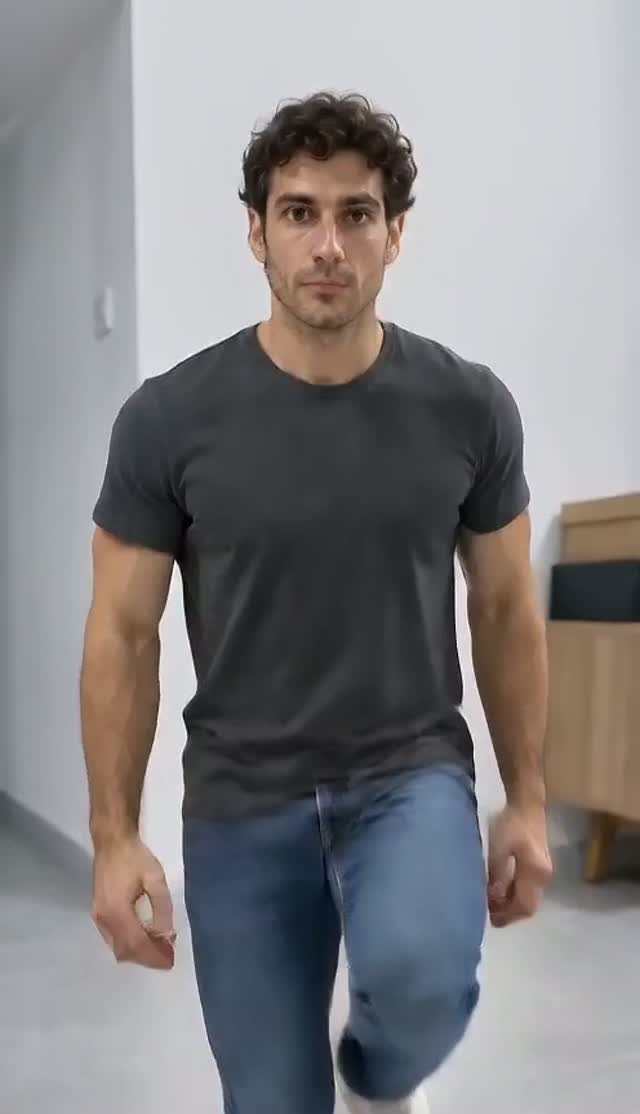
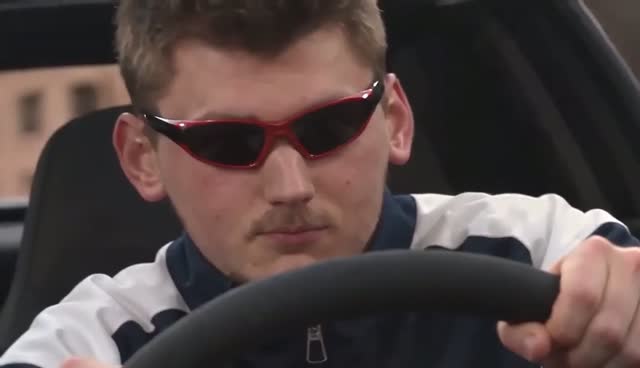
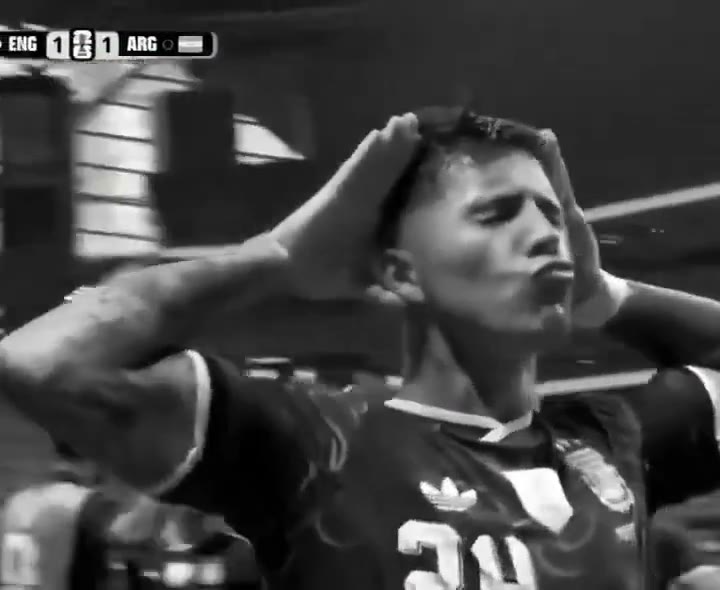
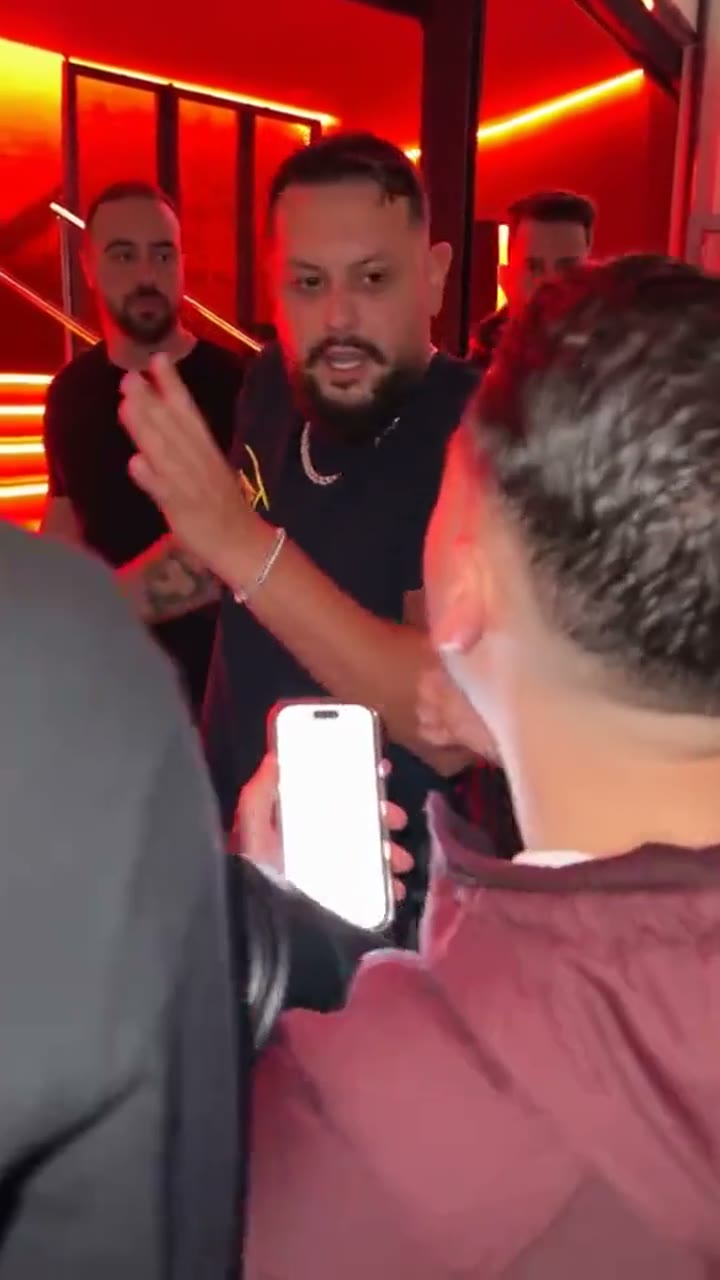
Your photo supplies the identity
Keep the face, hair or fur and distinguishing details from your uploaded subject.
Turn your portrait or pet photo into the Fergie Baby park-gate walk. A 15-second vertical AI video with your own look.
Add your photoAdd your photo
One clear face with good light. Waist-up or full-body photos work best.
The original video guides the fixed scene. Your photos replace only the selected roles. Sound is added after generation.
Your reference cut
Seedance 2.0 Fast · Silent MP4. Add your sound when posting. The 15.0-second cut fits the up to 15 second tier.
Pay once. No automatic renewal. Technical failures return your credits automatically. Save with packs
Reference example · Existing local motion reference
Review the 15.0-second motion or visual-style reference. Your download is silent.
This is the selected original meme reference. Any generated test result is shown separately with its input photos and review details.
Selected reference example. Existing local motion reference
The park-gate walking format pairs an entrance with a continuous approach to the camera. This is an independent photo-based remake tool.
This template shares its prompt and creation options with the dedicated satellite studio. Pricing and account access follow ViralRemake.
Keep the face, hair or fur and distinguishing details from your uploaded subject.
The built-in reference and role instructions describe the performance before you create.
Preview and download your finished MP4 in My videos. Generation can take several minutes.
The park walk. Add one clear photo per selected role. Each mode loads its own timed script and image assignments.
The original video guides the fixed scene and camera. Your selected mode changes only its assigned roles; edit the timed script before generating if needed.
Download your silent MP4, then choose an authorized track in your social app. The download includes no song recording.
Want to try it yourself? Start with this public DIY prompt. The creator above handles the timing and photo roles for you.
Recast the selected 15-second scene. The reference video controls exact movement, framing and edit timing; the intervals below describe the intended beats.

CAST — THE PERFORMER: @Image1 supplies ONLY the performer opening the park gate and walking toward the camera. Keep this identity from opening to final frame.

IDENTITY PRIORITY: Uploaded role photos are the ONLY authority for the assigned characters, including the ending. Environment and pose references must never supply a face. If a role photo is a cat or dog, make that character an upright anthropomorphic animal FROM THE FIRST FRAME: its own furry body, two furry forelimbs ending in paws, two hind legs, its own tail, head, ears and muzzle. Never begin as a four-legged animal then morph into a human body. Never use bare human hands, skin-coloured fingers or human forearms on an animal. When both role photos are animals, BOTH protagonists remain those two animals in EVERY scene, including flashbacks; no human protagonist may appear.

REFERENCE MAP:
Identity photos only; the original video supplies the environment and motion.

SETTING: A chain-link park gate, paved path and leafy trees in soft daylight. One continuous vertical backward-tracking shot.
SELECTED MODE: The park walk

CONTINUITY: Follow @Video1 for the gate opening, upright gait, hand gestures, camera distance and ending. The uploaded identity and outfit replace the whole performer from the first frame. A pet stays upright on two hind legs, with its own fur, ears, muzzle and exactly two forepaws. Never change to a four-legged walk.

SHOT 1 — 0–3 seconds: open the chain-link gate with one hand or forepaw, step through and face the camera.

SHOT 2 — 3–8 seconds: walk forward with the reference shoulder rhythm and compact hand gestures as the camera retreats.

SHOT 3 — 8–12 seconds: keep the same gait, head movements and performer scale, holding the path and trees continuous.

SHOT 4 — 12–15 seconds: complete the source approach and final gesture, keeping the uploaded identity visible. No cutaway.

FINISH: Keep exactly the assigned subjects throughout. No identity drift, cloned bodies, extra limbs, costume changes, captions, logos, watermarks or unrelated actions. Deliver a silent MP4; music is added by the user in their social app. Small motion differences are acceptable; preserve the action order, shot contents and ending.
| Your workflow | ViralRemake | General AI video tool | ComfyUI |
|---|---|---|---|
| What you bring | 1 photo, one for each selected role | Photos and a detailed prompt | Photos and a custom workflow |
| Scene and motion | Already directed for this meme | You describe the scene | You build the workflow |
| Setup | Choose your photos and duration | Refine prompts and settings | Configure models and nodes |
| Payment | From $4.99 per video | Depends on the provider | Your hardware or cloud costs |
A comparison of workflows. AI output varies with the photos you use.