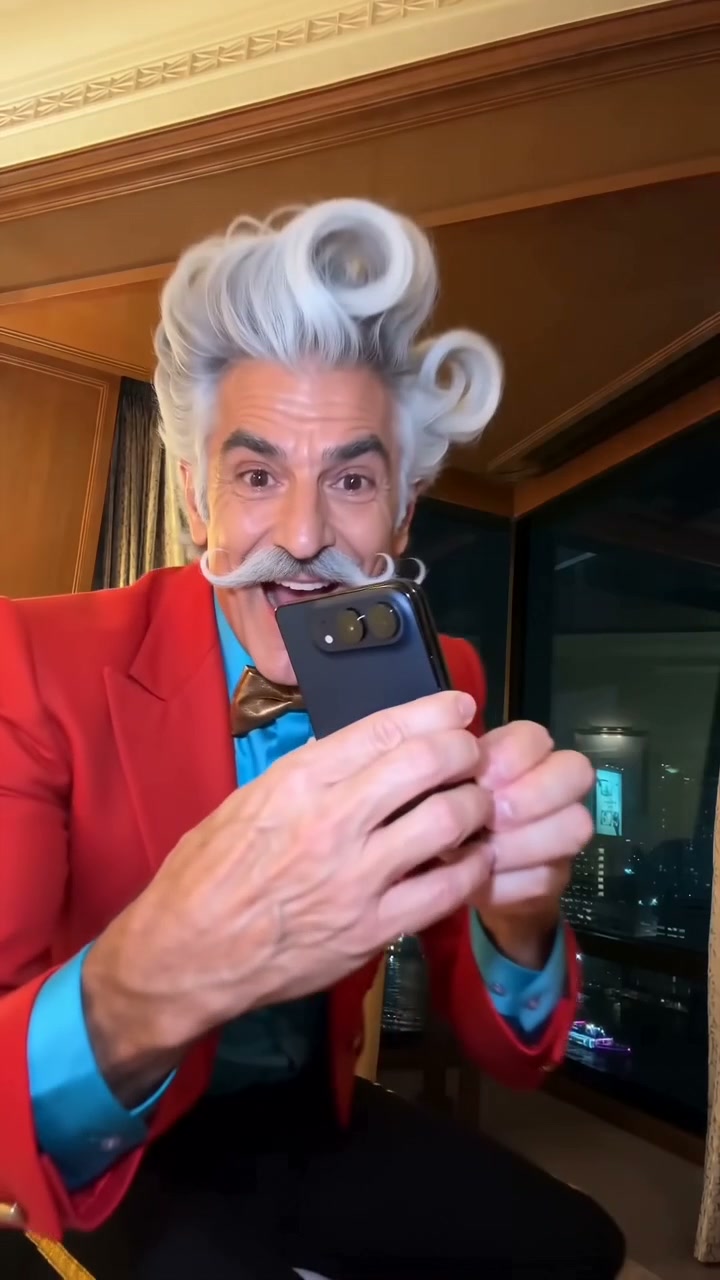
Take the performer’s place in the original iPhone Kupi phone-showoff video. Your adult photo replaces the dancer while the source guides the phone handling, hotel room, choreography and 15-second sequence.
Exact charge before generating Failed renders return credits Photos stay out of public galleries
Make it yours
15s · Scene prepared
Add your photo
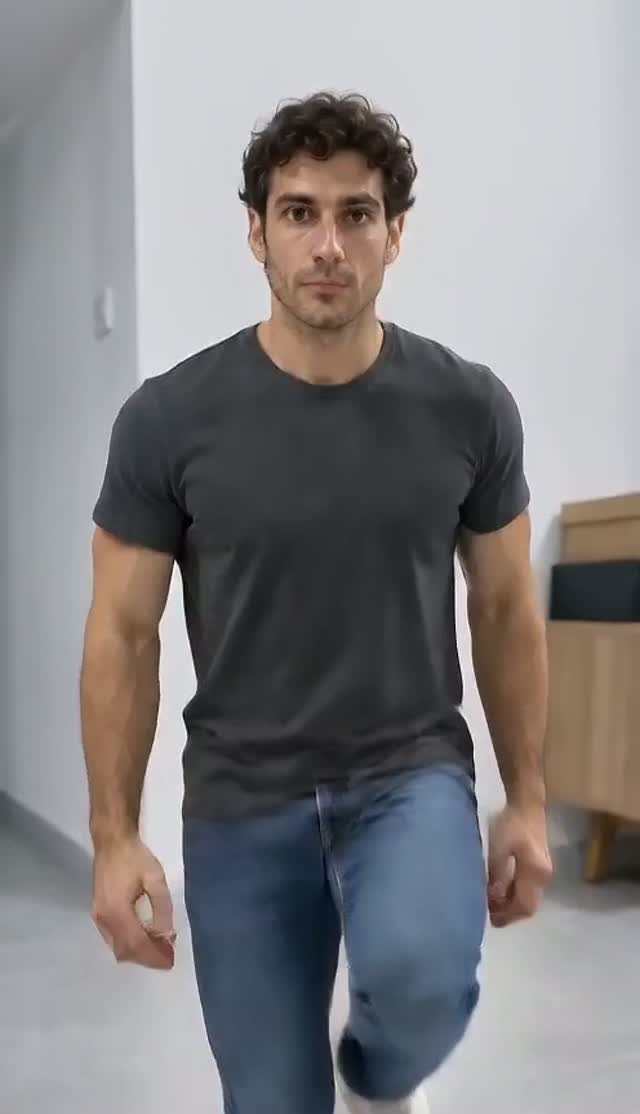
Use one clear, well-lit full-body photo of one consenting adult. Include the outfit and shoes you want in the video; avoid group shots, covered faces and cropped feet. You do not need to hold a phone.
Seedance 2.0 Fast · Reference motion and soundtrack included.The 15.0-second cut fits the up to 15 second tier.
100 credits or $4.99 · 480p · paid once
Pay once. No automatic renewal. Technical failures return your credits automatically. Save with packs
Generated sample
Generated preview
Checked sampleSeedance 2.0 Fast · 720p · 15.04s · Original video · one adult
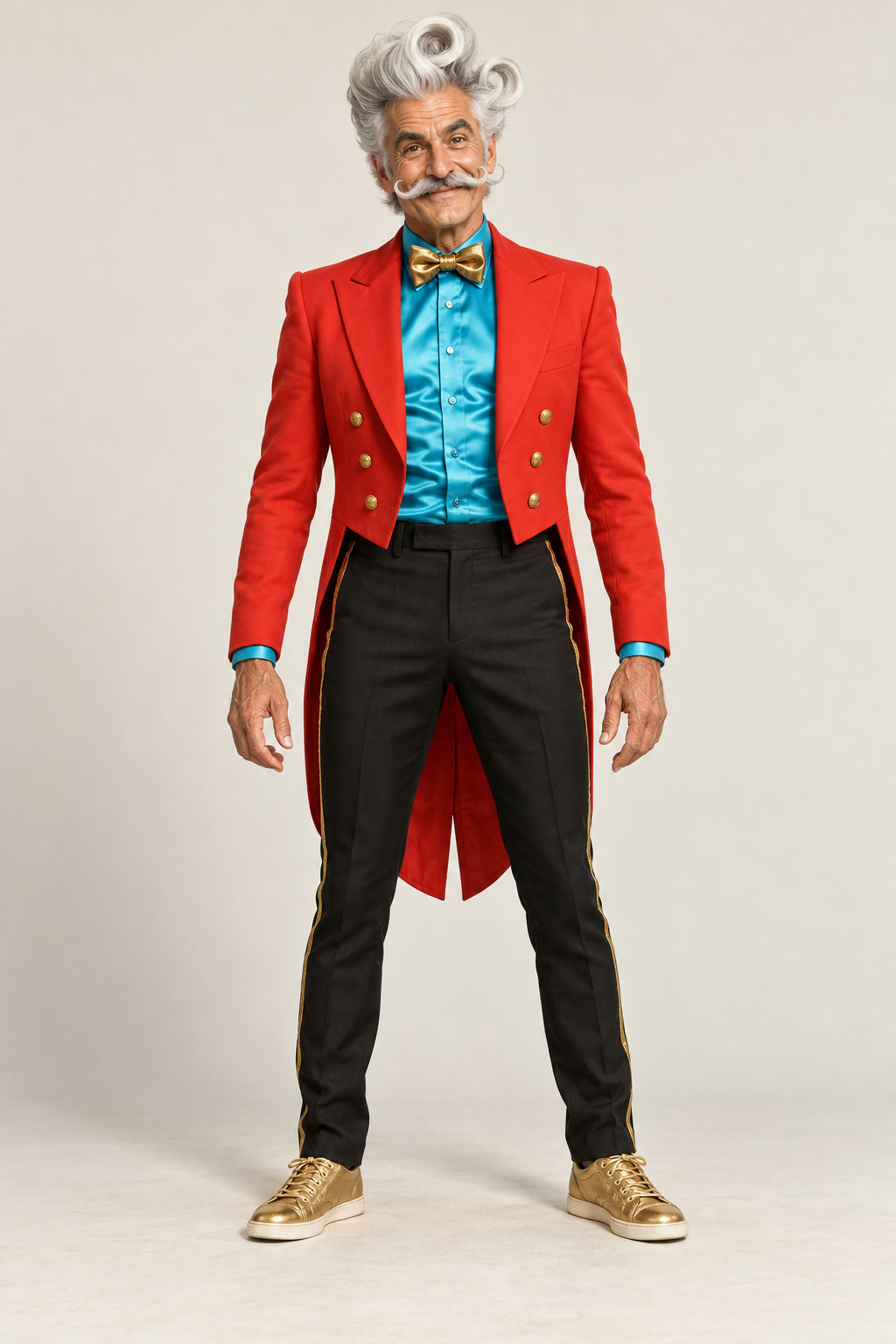
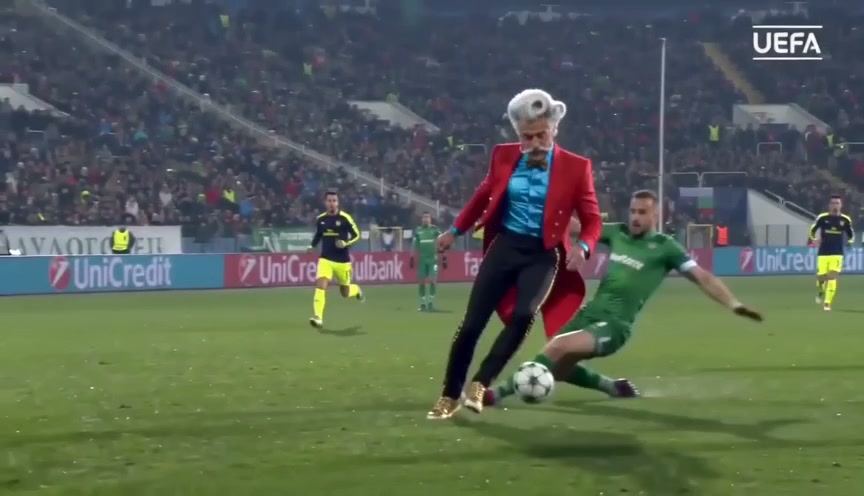
Real Seedance 2.0 Fast720p original-video performer replacement using the Disco Duke input photo. The original room, small folding phone, large screen, dance, overhead toss and rightward exit are recognizable; the original soundtrack is restored after rendering.
Original creator-video soundtrack
Fast swings can blur hands and soften finger detail. Phone-screen icons and text can be distorted. Hair curls, moustache and facial microdetail can fluctuate in fast or profile views.
Take the performer’s place in the original iPhone Kupi phone-showoff video. Your adult photo replaces the dancer while the source guides the phone handling, hotel room, choreography and 15-second sequence. Add 1 photo, one for each selected role, and choose an available model and cut. Videos start at $4.99, paid once or with existing credits. Download an MP4; check the soundtrack note before sharing. AI likeness and movement can vary.
Your photos
1 photo
Available cuts
15 seconds
Sound
Reference soundtrack included
Price
From $4.99 · pay once
Is this the right template for you?
What you need
1 photo, one clear image for each selected role. Use one clear, well-lit full-body photo of one consenting adult. Include the outfit and shoes you want in the video; avoid group shots, covered faces and cropped feet. You do not need to hold a phone.
What you get
An AI-generated MP4 following this template’s scene. Reference soundtrack included.
Know the limits
Real Seedance 2.0 Fast720p original-video performer replacement using the Disco Duke input photo. The original room, small folding phone, large screen, dance, overhead toss and rightward exit are recognizable; the original soundtrack is restored after rendering. Fast swings can blur hands and soften finger detail. Phone-screen icons and text can be distorted. Hair curls, moustache and facial microdetail can fluctuate in fast or profile views.
iPhone Kupi Dance AI original video & reference
Watch the selected 15.0-second iPhone Kupi Dance AI reference to see the original movement, camera cuts and soundtrack.
This is the selected motion reference. Any generated test result is shown separately with its input photos and review details.
Soundtrack: Original iPhone 5555 reference soundtrack.
Checked sampleSeedance 2.0 Fast · 720p · 15.04s · Original video · one adult
Real Seedance 2.0 Fast720p original-video performer replacement using the Disco Duke input photo. The original room, small folding phone, large screen, dance, overhead toss and rightward exit are recognizable; the original soundtrack is restored after rendering.
Original creator-video soundtrack
Fast swings can blur hands and soften finger detail. Phone-screen icons and text can be distorted. Hair curls, moustache and facial microdetail can fluctuate in fast or profile views.
One adult, head to shoes, with a clear face and outfit. No phone needed.
Your download
15-second vertical MP4 · original reference soundtrack
From your photo
Your face, hair, facial hair, clothes and shoes guide the dancer throughout.
From the scene
The original creator video guides the hotel room, camera, device handling and complete dance. Hands, fast motion and device trajectories can vary.
The iPhone Kupi phone dance
The iPhone Kupi dance combines a folding-phone reveal with an exuberant hotel-room performance and device throws. The name comes from the Russian phrase “Айфон купи”, meaning “buy an iPhone”, heard in “Базовый минимум” (“Bare Minimum”) by SABI and MIA BOYKA. This preset replaces the performer in the creator video and adds that selected reference soundtrack to the finished MP4. A download does not grant rights to the music recording.
The linked “iPhone 5555” TikTok is the verified post on Win William’s @win.william_official account. The separately supplied @lillian.lillian723 clip is a later viewing example. This identifies the creator’s own post without claiming the earliest use of the song or format. Generation pairs your adult photo with the actual creator video: the photo supplies the replacement identity and outfit, and the source video guides the original room, camera, props and performance. ViralRemake is independent of Apple, Win William and the song owners.
The original phone reveal
The source creator video guides the devices, room, framing and phone-showoff routine.
You in the performance
Your photo replaces the foreground dancer while the source guides the complete choreography and ending.
The original sound
The selected creator-video soundtrack is added after rendering. The download does not grant music rights.
Make your iPhone Kupi Dance AI video
1
Choose 1 photo
Solo phone dance · one adult. Add one clear photo per selected role. Each choice prepares the matching scene automatically.
2
Follow the reference
The original video guides the fixed scene and camera. Your selected mode changes its assigned roles.
3
Download with sound
The selected soundtrack is synchronized to the reference cut. Download your MP4; use a platform-licensed sound when required for your post.
Choose how you create.
Your workflow
ViralRemake
General AI video tool
ComfyUI
What you bring
1 photo, one for each selected role
Photos and a detailed prompt
Photos and a custom workflow
Scene and motion
Already directed for this meme
You describe the scene
You build the workflow
Setup
Choose your photos and duration
Refine prompts and settings
Configure models and nodes
Payment
From $4.99 per video
Depends on the provider
Your hardware or cloud costs
A comparison of workflows. AI output varies with the photos you use.