A gentle crossing
Take the first steps along glowing cempasúchil petals.
Make this yoursA familiar face. A path of golden petals. Imagine a gentle Día de Muertos crossing for someone you remember, or a quiet walk home for your pet.
Add your photoAdd your photo
One clear photo of the adult or pet you remember. Choose the matching mode; old photographs are welcome when the face is sharp.
Your reference cut
Seedance 2.0 Fast · Silent MP4. Add your sound when posting. The 9.0-second cut fits the up to 15 second tier.
Pay once. No automatic renewal. Technical failures return your credits automatically. Save with packs
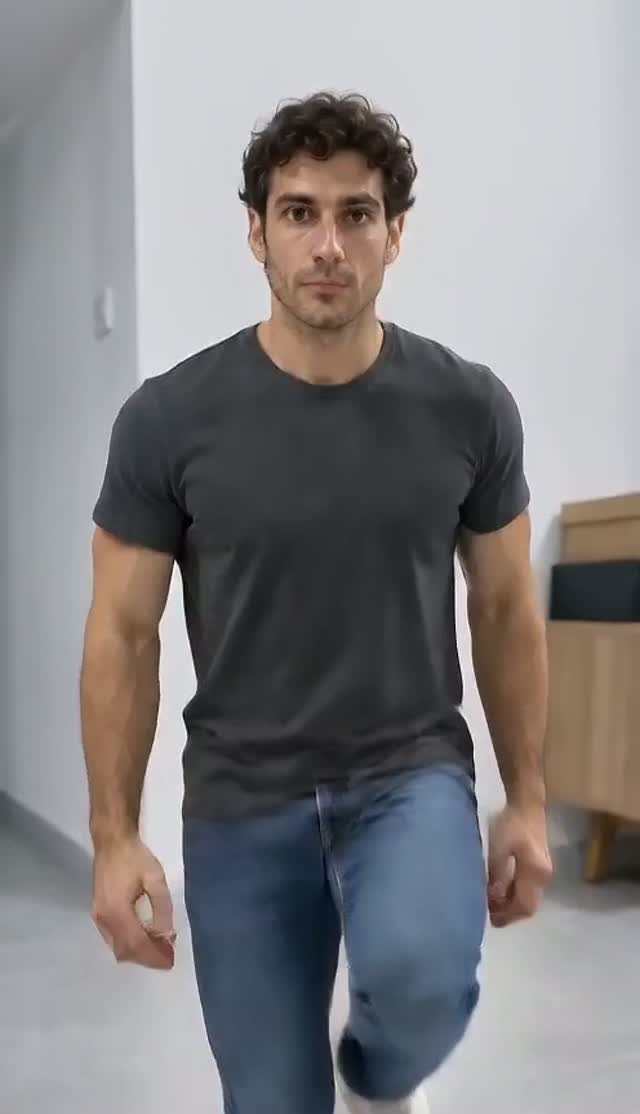
One real Fast adult-mode test preserves the synthetic man’s face, dark hair and burgundy shirt as he walks onto the glowing marigold bridge, crouches and lifts a handful of petals.
The warm 3D appearance is cinematic and relatively realistic, rather than strongly cartoon-like. Fingers and petal contact can vary. Only the adult tribute mode was tested with one synthetic photo. Pet mode and Seedance 2.5 have no reviewed sample from this test.
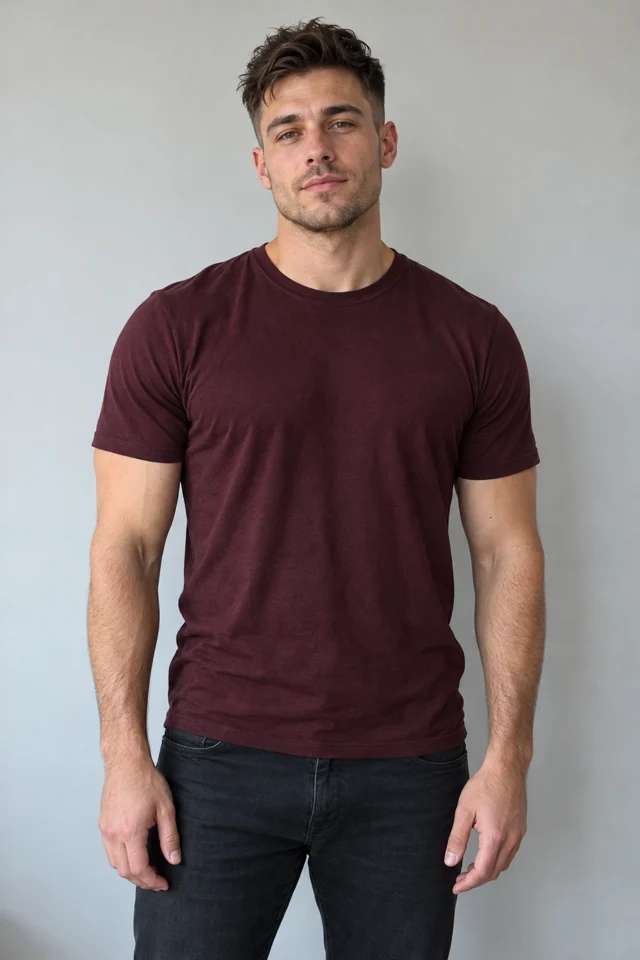
One reviewed test with these photos. Your result may differ. Compare with the reference.
Reference example · Public trend reference · via MakeViral
Review the 9.0-second motion or visual-style reference. Your download is silent.
The original meme is shown for comparison. Generation uses your role photos, optional scene references and the prepared scene, without an input video.
Selected reference example. Public trend reference · via MakeViral
Trend origin / creator source: Marigold bridge format attributed to @ia_chiomora. The selected reference may be a later adaptation.
Take the first steps along glowing cempasúchil petals.
Make this yoursThe person gathers petals; the pet pauses and looks back.
Make this yoursWarm light and a familiar face close the keepsake.
Make this yoursMarigold petals, called cempasúchil, guide remembrance in Día de Muertos. The recent bridge format imagines a loved one’s gentle first crossing. Choose a warm 3D adult tribute or a pet walking home; these are different actions, not a single human routine applied to animals. Generation uses your photo and prepared visual direction, without sending the viewing reference to the model. It is a fictional keepsake, not recovered footage or an account of an actual event.
The original-video section shows the selected reference example for this template. The workflow uses a written storyboard and your role photos. The source video is shown for comparison and is not sent to the generation model.
The selected reference shows the scene and motion. Choose your role photos and the available reference cut before creating.
Download a silent MP4 and choose an available sound in your social app. No song recording is included.
Assign the person you remember before generating. Each photo identifies one role throughout the scene.
A loved one · 3D tribute, A pet · walk home. Add one clear photo per selected role. Each choice prepares the matching scene automatically.
Your photo supplies the character identity. The prepared scene directs the action and camera. The preview is for viewing and is not sent to the model.
Download your silent MP4, then choose an authorized track in your social app. The download includes no song recording.
| Your workflow | ViralRemake | General AI video tool | ComfyUI |
|---|---|---|---|
| What you bring | 1 photo, one for each selected role | Photos and a detailed prompt | Photos and a custom workflow |
| Scene and motion | Already directed for this meme | You describe the scene | You build the workflow |
| Setup | Choose your photos and duration | Refine prompts and settings | Configure models and nodes |
| Payment | From $4.99 per video | Depends on the provider | Your hardware or cloud costs |
A comparison of workflows. AI output varies with the photos you use.
Choose a person or pet remembrance scene, prepare an old photo and understand the cempasúchil bridge, October 27 and November 1–2.
Read the guide