What you need
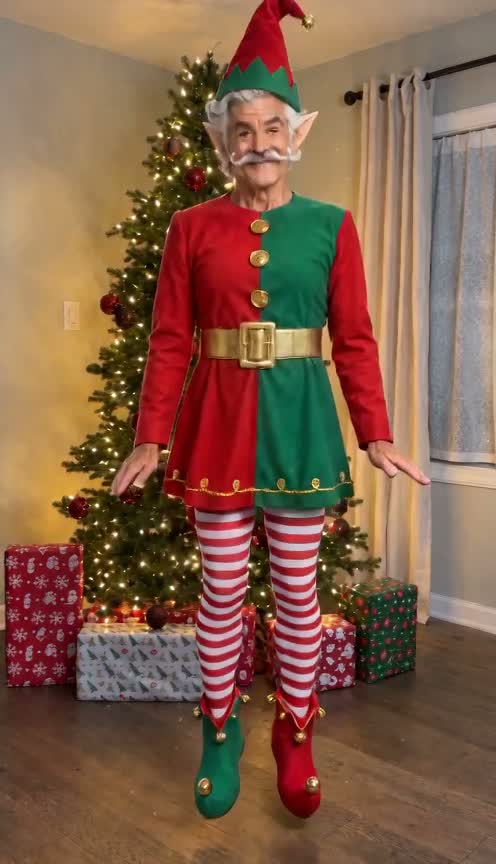
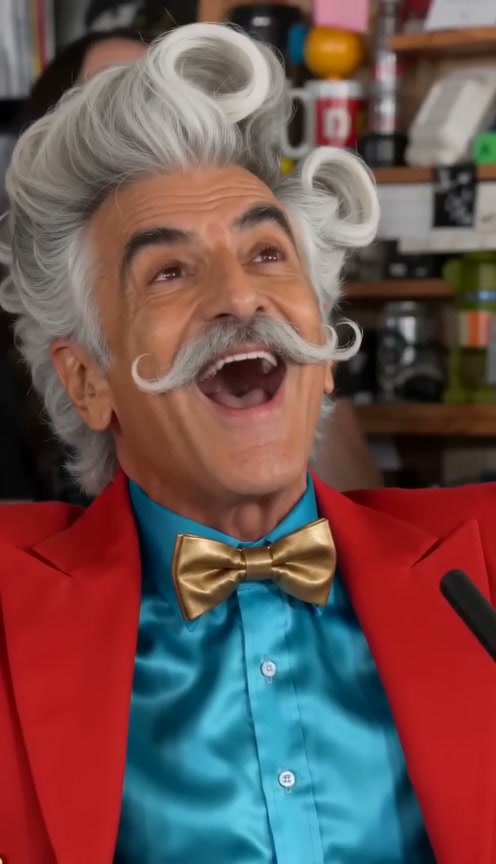
2 photos, one clear image for each selected role. Add one clear full-body adult photo per role. Plain white or simple backgrounds give the faces and outfits a cleaner reference.
Two photos, two performers. Point, hop, then swap places on the cut.
Hop Hop Hop AI
Your photo. This scene. A video of your own.
Pay once · Failed renders return credits
Add a photo for each role
Add one clear full-body adult photo per role. Plain white or simple backgrounds give the faces and outfits a cleaner reference.
Your reference cut
Seedance 2.0 Fast · Reference motion and soundtrack included.The 8.0-second cut fits the up to 15 second tier.
100 credits or $4.99 · 480p · paid once
Pay once. No automatic renewal. Technical failures return your credits automatically. Save with packs
Two distinct uploaded identities exchange foreground and background roles through the cut. Hands and foot contact can vary. This example uses two clear full-body photos on white backgrounds.
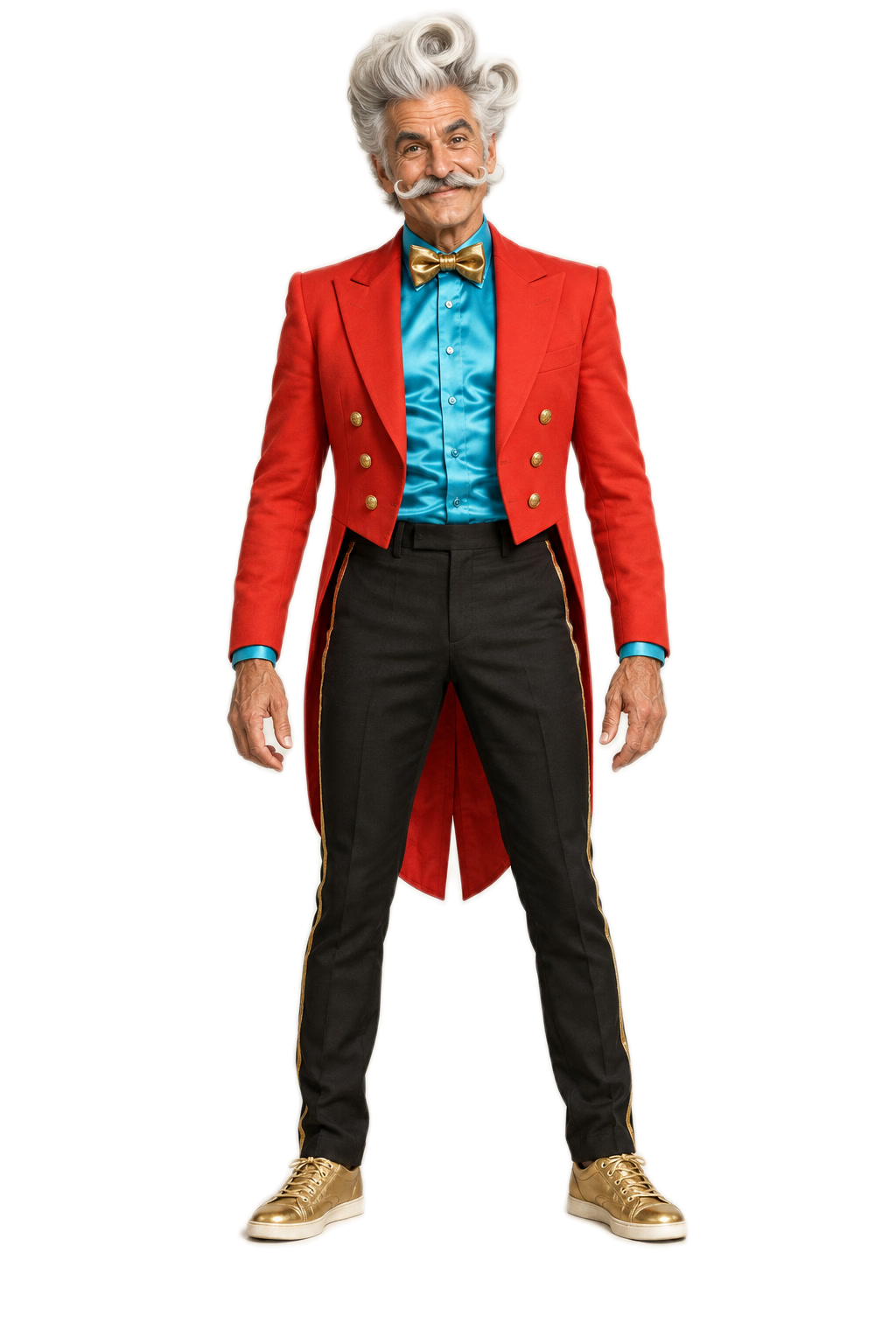
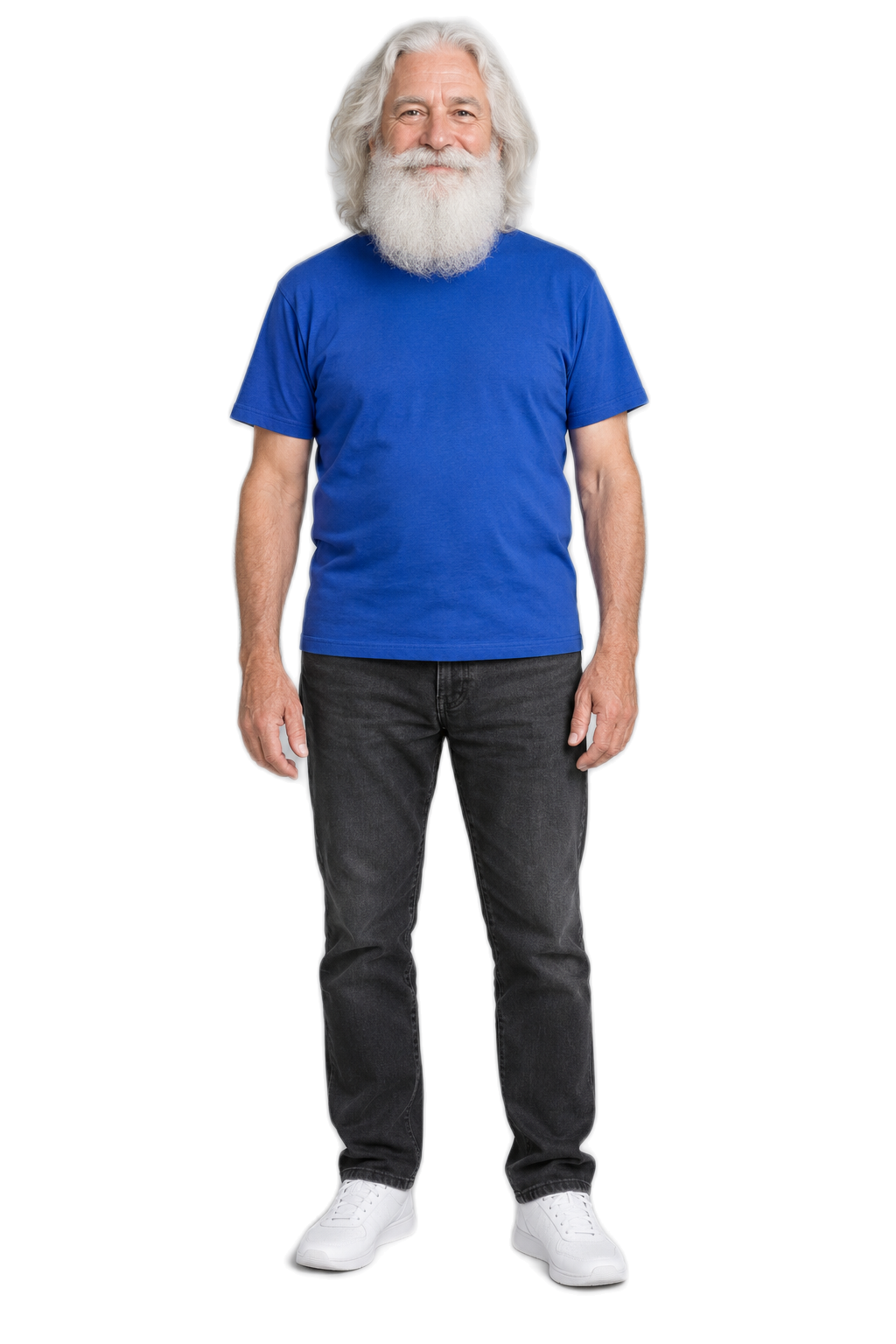
These photos were used to create the example above.
Reference soundtrack included · Selected Hop Hop Hop / Her Boyfriend trend audio
Reference example · MY TRRENDD W TWIN @Kokokrunch #edit #facecheck #animation #kawaii #gacha
Two photos, two performers. Point, hop, then swap places on the cut. Add 2 photos, one for each selected role, and choose an available model and cut. Videos start at $4.99, paid once or with existing credits. Download an MP4; check the soundtrack note before sharing. AI likeness and movement can vary.
2 photos, one clear image for each selected role. Add one clear full-body adult photo per role. Plain white or simple backgrounds give the faces and outfits a cleaner reference.
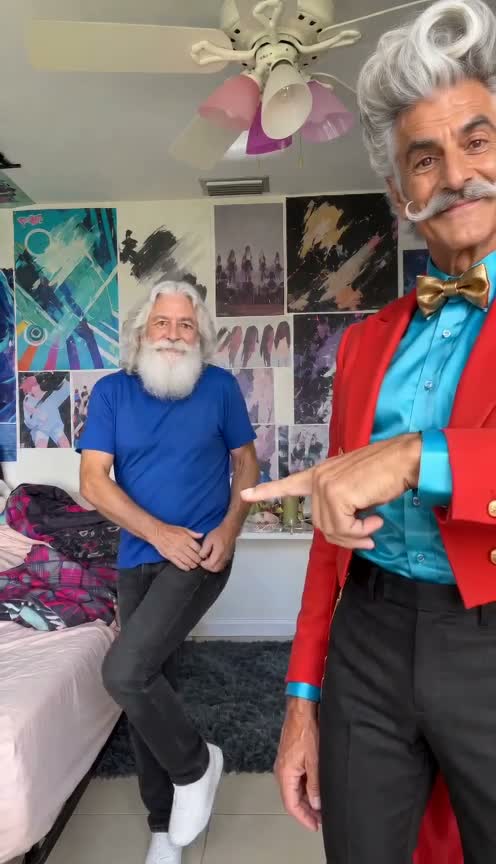
Hop Hop Hop AI: Two performers point and hop in a bedroom, then exchange the front and back positions. Reference soundtrack included.
Hands, foot contact and identity during the cut can vary. The example uses two full-body white-background photos.
Hop Hop Hop AI · 8.0-second scene reference.
MY TRRENDD W TWIN @Kokokrunch #edit #facecheck #animation #kawaii #gacha
Two distinct uploaded identities exchange foreground and background roles through the cut. Hands and foot contact can vary. This example uses two clear full-body photos on white backgrounds.
These photos were used to create the example above.
Two performers point and hop in a bedroom, then exchange the front and back positions. Two separate photos cast the two roles.
Make a short two-friend dance joke with the selected trend soundtrack.
Two friends · two photos. Add one clear photo per selected role. Each choice prepares the matching scene automatically.
The original video guides the fixed scene and camera. Your selected mode changes its assigned roles.
The selected soundtrack is synchronized to the reference cut. Download your MP4; use a platform-licensed sound when required for your post.
Use two separate photos, one clear adult per photo, so each role has its own identity.
You can explore the scene and photo requirements for Hop Hop Hop AI for free. Creating a video with your own photos uses paid credits; the creator shows the model and exact price before submission.
Use 2 photos, one separate image for each selected role. Add one clear full-body adult photo per role. Plain white or simple backgrounds give the faces and outfits a cleaner reference.
Seedance 2.0 Fast: 100 credits ($4.99) for the 8.0-second cut. Pay once for a video or use existing ViralRemake credits. No subscription or automatic renewal.